Project Brief
I wanted to build a homelab because I wanted a permanent home for my self-hosted applications. This homelab is a single-node Kubernetes cluster running on a Raspberry Pi 5, managed entirely through Git utilizing the GitOps methodology.
The end goal was not just to get this project running, but further enhancing it with apps that I want to manage. I didn’t want hand-holding by utilizing AWS EKS, but wanted to get my hands dirty and debug issues as I started building out the infrastructure. Yes, managed Kubernetes would have been faster, but EKS and its equivalents hide the control plane, the container runtime, and most of the networking.
This is exactly what I wanted to avoid here. Running k3s on hardware I own meant configuring deployments, debugging a kubelet that refused to start, and working out why a Secret silently failed to decrypt after a rebuild. These are the failures that helped solidify my knowledge base.
In the following sections, I’ll go over why I made the architectural decisions I made. So, follow along!
Architecture Overview
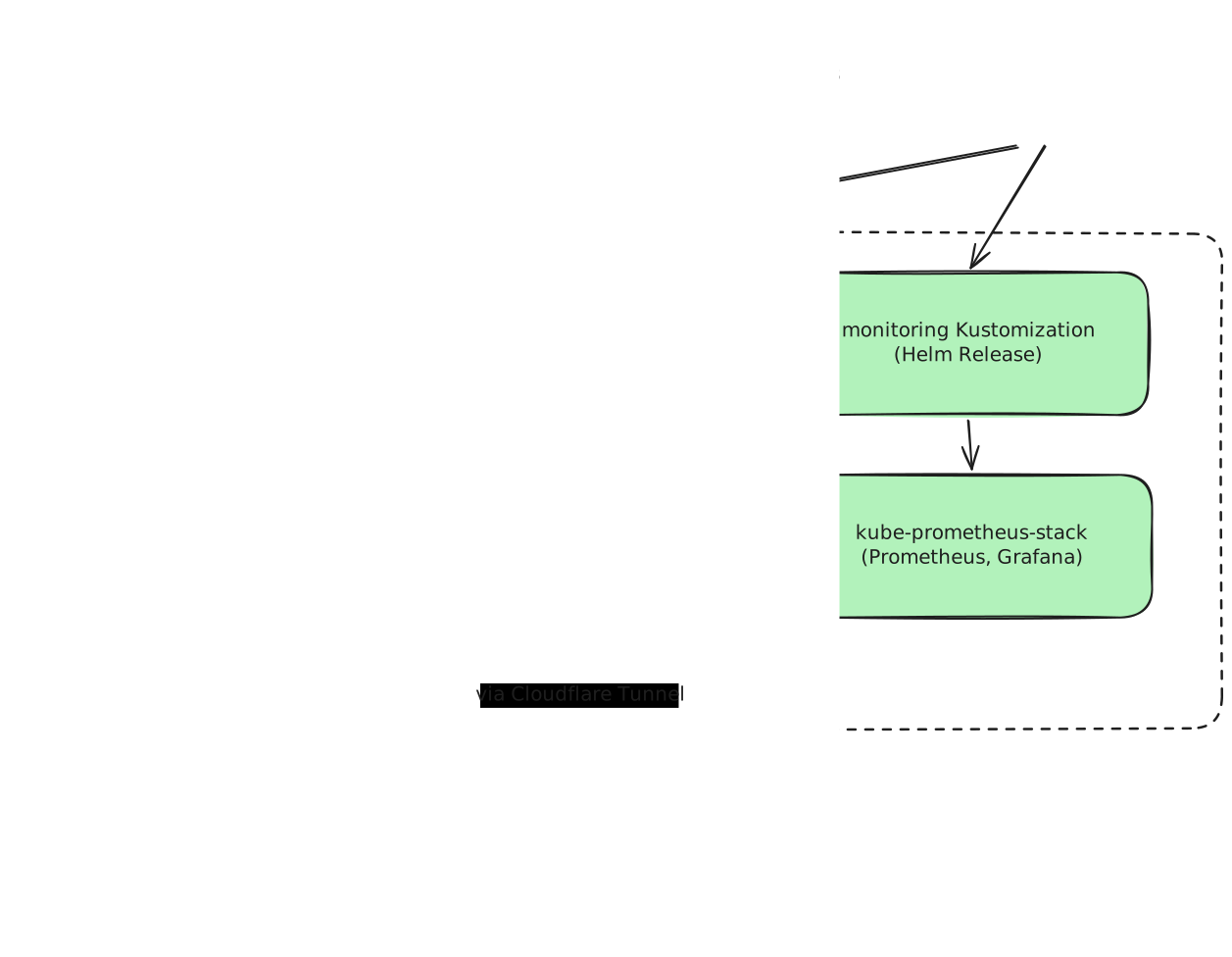
The core idea of my architecture is to make the github repo the single source of truth. That is what the kubernetes cluster is reconciled against. Flux’s controllers then poll the repo and sync it into the cluster as a Kustomization. One for apps and one for monitoring, so that if one manifest is broken, it doesn’t affect the other.
The app Kustomization then decrypts SOPS-encrypted secrets with an age key in the cluster and deploys the linkding and cloudflared pods. Linkding uses k3s’ built-in SQLite DB for persistent volume storage. The monitoring Kustomization deploys the kube-prometheus-stack, which brings in Prometheus and Grafana.
Cloudflared maintains an outbound tunnel to Cloudflare, so requests coming from the internet are using the connection the cluster established, instead of going through a port. This allows my IP to be protected, while still being able to access my apps through the cloudflare tunnel.
Design Decisions and Trade-offs
-
Node Port vs. cloudflared: The main goal for my homelab is to be able to work and use the apps deployed on my cluster on different devices. Using a NodePort was a potential option, but my local internal IP Address is exposed on that port. If a bad actor wanted to, they would be able to scan my IP for open ports and potentially get into my local network.
-
I wanted to avoid the headache of this happening. Using a Cloudflare tunnel via the cloudflared daemon, I can create an outbound only connection to the Cloudflare global network. This way, my IP address isn’t at risk and I can still connect to http web services, ssh into servers, and even rdp if I wanted to.
-
SOPS with age vs. cloud provided Secrets Manager: Currently, without using SOPS, Kubernetes store secret values as base64-encoded strings. Anyone can decrypt this secret and it’s virtually the same thing as a plain text secret. That’s why Kubernetes advises not to push these yaml files to source control.
-
That’s exactly why I am using SOPS here. It provides me the ability to publish my credentials because they are encrypted. SOPS generates a random 256-bit data key and is encrypted with the age public key. So, if I have another app, other than linkding, I’d want to create another age key. I don’t want to extend the blast radius of an attack to all my apps.
-
The reason why a cloud provided Secrets Manager wasn’t used is because it’s a bit overkill for my curernt infrastructure. I’d have to run an external store just to set this up. I didn’t want any additional costs from this cloud service and I didn’t want any external dependencies. The purpose was simple and SOPS with age handles this.
-
kube-prometheus-stack: Chose to use the
kube-prometheus-stack, which bundlesPrometheus,Grafana, andAlertmanagerall in my cluster. This was chosen because the alternative is to hand-roll Prometheus, Grafana configurations as well as hand-import all the dashboards. -
GitOps Workflow: The main idea of my design is to focus on the idea of GitOps.
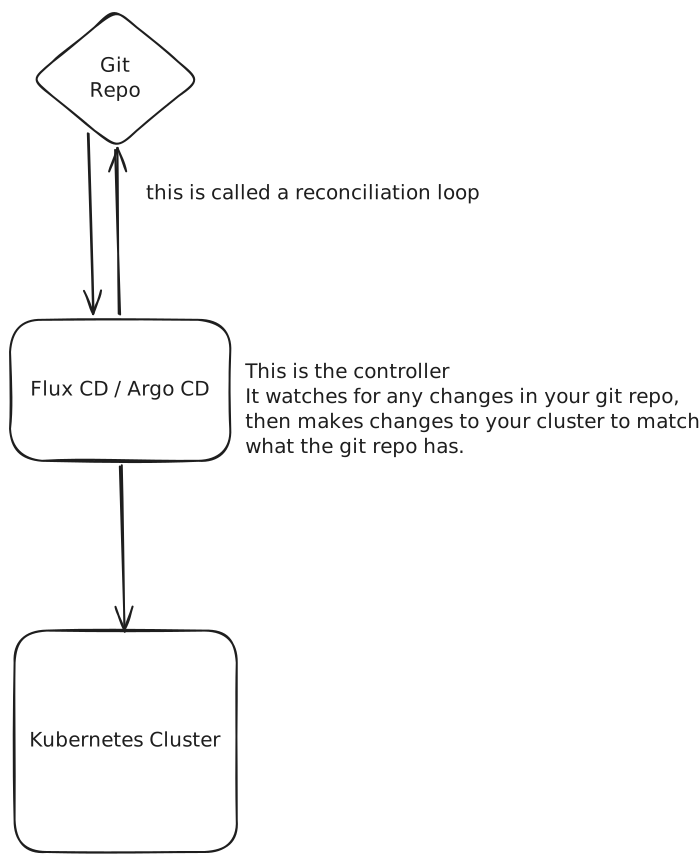 I don’t have to use
 kubectl apply -fto apply any files to my Kubernetes cluster. FluxCD’s controllers reconcile the source of truth with what the cluster has. This way, I avoid any drift. What I mean by this is, if there are hotfiles or manual changes in my cluster, this could lead to the actual state deviating from the declared / desired state. -
linkding: I went with linkding, which is a self-hosted bookmark manager, because I wanted a resource that I could use on various machines. I like to hop between different browsers, but I still want my bookmarks without having to manage my imported/exported bookmark files each time.
-
Helm: I use Helm for third-party software and plain manifests with Kustomize for anything I wrote myself. Flux runs Helm declaratively, so this was an easy reason why I added it to my stack. A HelmRepository defines the source and a HelmRelease defines the install. This allows for controller-driven reconicliation of these Helm releases, which in turn, detects and corrects any state drift.
What I’d do differently
- ArgoCD: I would like to try ArgoCD for another project to see what the main core differences are in how it manages Kubernetes. It also is a declarative Kubernetes-native CD tool, so it would be interesting to see how it compares to FluxCD.
- Ingress: I would want to implment ingress because routing becomes per-app instead of centralized. Currently, every new service I add, means I have to edit the cloudflared config. With an Ingress controller, cloudflared points at one backend and each app ships its own Ingress resource in its own directory. This allows for more scalability as I add more apps to my cluster.